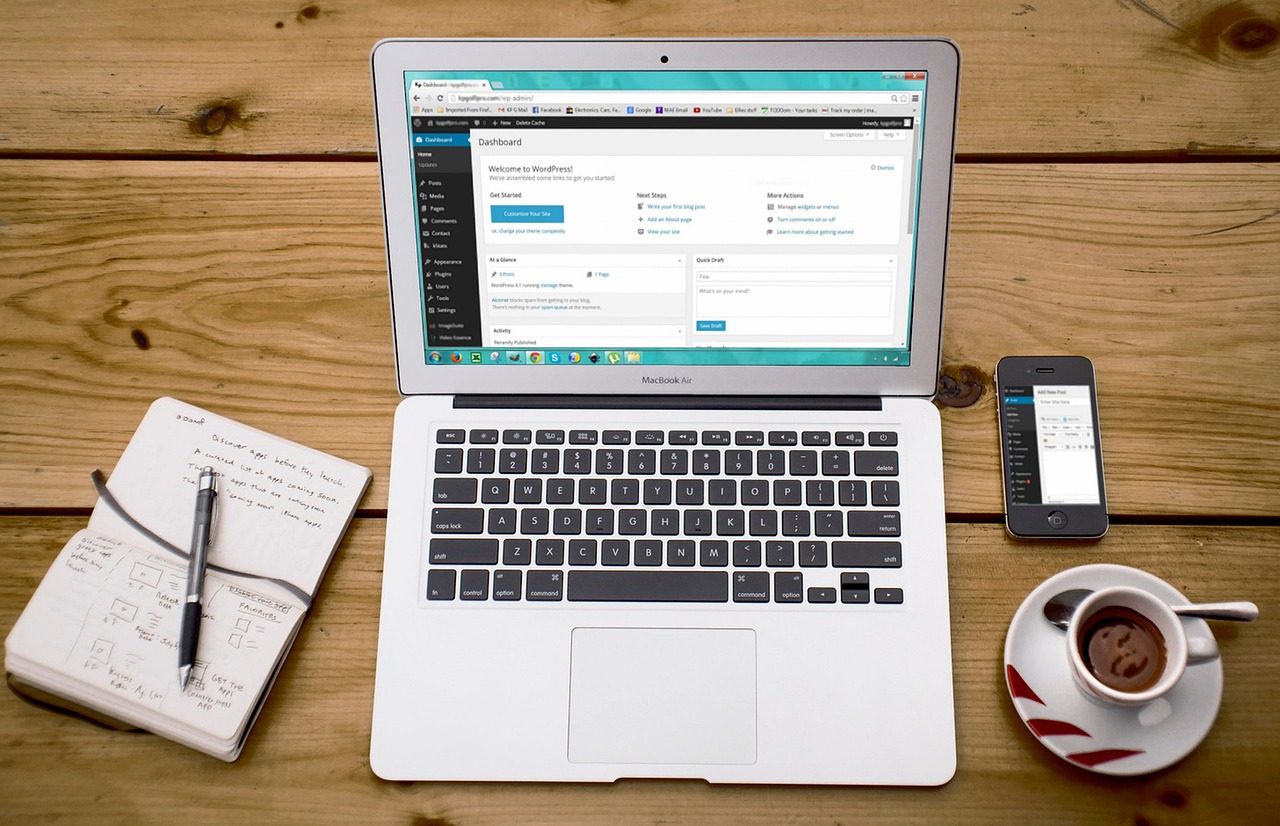
AI search engines do not just read your content. They judge your WordPress SEO stack before they read a single word.
When ChatGPT cites a source, or Google’s AI answers pull from a page, a trust decision happened first. Is this site fast enough to crawl? Has it ever been hacked? Is the markup clean enough to parse? Your stack answers those questions before most site owners know they are being asked.
This guide lays out the WordPress SEO stack we recommend: four tools, domain, hosting, page builder, security, each chosen because it makes your site faster, safer, or easier for search engines and AI answers to trust. Same tools, different reason.
Your website is the one digital asset you fully own. Social profiles get throttled. Marketplaces take their cut. Your site is yours, and its infrastructure is the foundation every visibility effort stands on. We think about owned infrastructure a lot. Our piece on Building an AI-First Research System makes the same point about workflows: own the system, do not rent it.
Why This WordPress SEO Stack, and Why This Order
A WordPress site has a dependency chain. The domain has to exist before hosting means anything. Hosting has to exist before a builder has somewhere to run. And security only matters once there is something worth protecting.
Underneath it runs a second chain: the trust chain. Every layer of your stack either builds credibility with search engines or leaks it. A slow host leaks it. A hacked site destroys it. Bloated markup confuses the crawlers trying to understand your pages. The order below follows the dependency chain, but every recommendation is really about the trust chain.
Buy these out of order and you will pay twice. We have watched people buy a premium theme before owning a domain, then discover their perfect business name is taken. We have watched people pay for security on a site hosted on a bargain server that goes down weekly. Follow the order and you launch once. Skip around and you rebuild twice.
Step 1: Your Domain Goes on Namecheap
Your domain is your brand’s front door, and search engines remember every address. A clean domain history is a quiet trust signal. An expired domain with a spammy past can carry penalties you will spend months undoing. Registering new starts you with a clean slate.
We recommend Namecheap for domains because the pricing is honest and the upsell pressure is low. A .com runs around $10 to $12 for the first year. Renewals cost more, usually in the mid-teens, so check the renewal price before you fall in love with a promo rate. Every domain includes free WHOIS privacy, which hides your personal details from public records. Some registrars charge $10 to $15 a year for that alone.
One rule: register your domain at a registrar, not your hosting company. Keep the two separate. If you ever need to move hosts, and you will, migrating is painless when your domain lives somewhere independent. Control of your own front door is the cheapest insurance in the entire WordPress SEO stack.
Step 2: Hostinger Handles the Hosting
This is where the visibility story gets concrete. Page speed is a confirmed ranking factor, and Core Web Vitals measure exactly what cheap hosting fails at: how fast content appears, how quickly the page responds, how stable the layout is. AI crawlers are even less patient than human visitors. If your server stalls during a crawl, the crawler moves on, and your content never enters the index AI answers draw from.
Hostinger’s WordPress plans start at $2.99 a month on the long introductory term. That gets you a WordPress-optimized setup on LiteSpeed servers, which consistently benchmark among the fastest budget hosts. The plan renews higher, around $11 a month, so go in with eyes open. The intro price is real, and so is the renewal.
What you are buying beyond the server: one-click WordPress installs, automatic updates, weekly backups on the entry plan and daily on higher tiers, and a free SSL certificate. SSL is non-negotiable in 2026. Browsers flag non-HTTPS sites, visitors bounce, and search engines treat HTTPS as a baseline trust signal. Every Hostinger WordPress plan includes it.
Uptime is the sleeper factor. A host that goes down weekly does not just annoy visitors. Every outage is a failed crawl, and repeated failed crawls teach search engines to visit less often. Pick the Premium plan if you are launching one site. Move to Business when you need staging, a safe copy of your site to test changes, or daily backups. Do not buy cloud plans until your traffic says so.
Step 3: Build It With Elementor
WordPress out of the box is a blogging tool wearing a business suit. The block editor has improved, but if you want a homepage that actually looks designed, you want a page builder. Elementor is the one we recommend for this WordPress SEO stack, with one big condition.
The condition is output quality. AI search engines parse your markup to understand your pages. Bloated markup with inline styles on everything makes their job harder, and a page they cannot cleanly parse is a page they will not confidently cite. Elementor can produce clean output or a mess. The difference is restraint.
The free version of Elementor handles basic layouts fine. But the moment you want a proper header, custom forms, or a landing page that converts, Elementor Pro earns its keep. Pro starts around $59 a year for a single site. That is less than one hour of a developer’s time, and it replaces that developer for most design tasks.
What Pro buys you: the Theme Builder for designing headers, footers, and templates visually, the Form Builder for contact forms without a separate plugin, and the full widget library. Elementor reshuffled its pricing tiers in 2026, so check which plan includes the Popup Builder if you need popups. For a single business site, the entry Pro plan is enough.
Use a lightweight theme underneath it, skip the animation widgets, and your pages will load fast. A well-built Elementor site on good hosting loads in under two seconds. A careless one takes six, which AI crawlers will not wait for. The tool is not the problem. The restraint is.
If you want to understand how AI engines decide what to cite, read How ChatGPT Chooses What to Recommend. Clean structure is a ranking factor and a citation factor.
Step 4: Secure It With Sucuri
Here is the fact nobody tells beginners: a new WordPress site with no security gets probed within hours of going live. Bots scan the entire internet for outdated plugins and weak logins. It is not personal. It is automated.
Sucuri is a website security platform built for exactly this, and it completes our WordPress SEO stack. The Basic plan runs $199.99 a year and includes a web application firewall, malware scanning every 12 hours, DDoS protection, and unlimited malware cleanup if something does get through. That last part matters. Most security products protect you. Sucuri also fixes you.
If $200 a year feels steep before you have revenue, Sucuri’s standalone firewall starts at $9.99 a month. It gives you the firewall and CDN without the full malware removal service. It is a reasonable on-ramp.
Why bother at all? Three reasons. First, cleanup after a hack costs more than prevention, in money and in the week your site shows a pharmacy ad to your customers. Second, Google blacklists hacked sites, and getting delisted is slow. A hacked history stains your trust record long after the malware is gone. Third, and most overlooked: security is a trust signal. Visitors, customers, and AI search engines treat a secure, well-maintained site as more credible. We covered trust signals in depth in AI Search Trust Signals Explained Simply. Security is one of the cheapest trust signals you can buy.
At minimum: keep WordPress (wordpress.org), themes, and plugins updated, use strong passwords, and put a firewall in front. Sucuri handles the firewall part and watches while you sleep.
What This WordPress SEO Stack Costs Per Year
Honest math, first year, one site:
- Domain (Namecheap .com): around $11
- Hosting (Hostinger Premium, intro pricing): around $36 for the first year
- Builder (Elementor Pro, single site): around $59
- Security (Sucuri Basic): $199.99
Total: roughly $306 for year one. In year two, hosting renews higher and the total lands closer to $400. That is the price of a trust foundation. Every dollar goes to something a search engine can measure.
You can cut the security cost with the $9.99-a-month firewall ($120 a year) and drop year one under $230. You can also start with free Elementor and add Pro when the site earns. But do not cut hosting quality or the domain. Those two are load-bearing.
What We Left Out of This WordPress SEO Stack
No premium theme. A lightweight free theme plus Elementor beats a $60 theme with its own builder fighting Elementor for control. Two builders on one site is how you get a five-second load time, and five seconds is how you get skipped by crawlers.
No backup plugin. Your host does backups. A second backup system is redundancy theater unless you are running a store.
No SEO plugin yet. Install one when you start publishing content, not before. An SEO plugin on a five-page site with no content strategy is a dashboard you will never open. The stack itself is your SEO foundation. Plugins optimize content. They cannot fix a slow, insecure, unparseable site.
No analytics on day one. Get the site live first. Measure second.
The principle: every tool in your WordPress SEO stack should earn its place by doing a job nothing else does, and every job should trace back to trust. Four tools, four jobs, no overlap. That is the whole philosophy.
Your Stack Is a Visibility Decision
Most WordPress guides treat the stack as plumbing: pick tools, connect them, move on to the fun part. But the plumbing is visible to the systems deciding whether to trust you. Every millisecond of load time, every hour of uptime, every line of markup is a signal. AI search engines read those signals before they read your content.
Get the foundation right and every article you publish starts from a position of trust. Get it wrong and your best content fights an uphill battle it should never have faced. Four tools, roughly $306, one afternoon of setup. That is what a trustworthy foundation costs in 2026.